Do I need an account to try it?
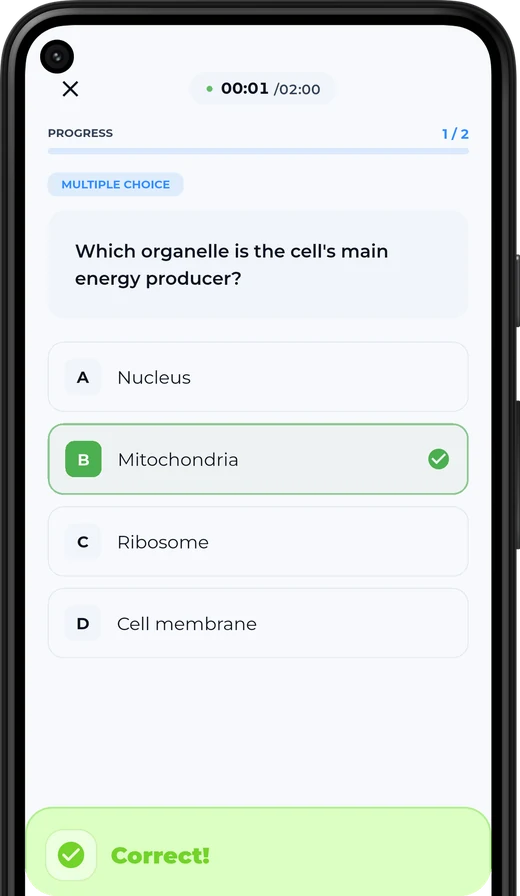
No. Drop a lecture into the card at the top of this page, or use the sample lecture, and take the quiz. An account is only needed to save the result and keep studying from it.
What happens to the file I try on this page?
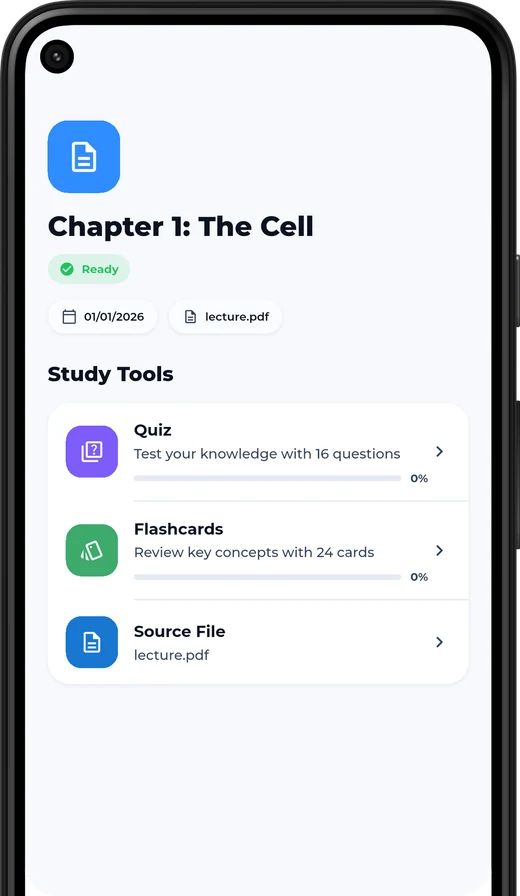
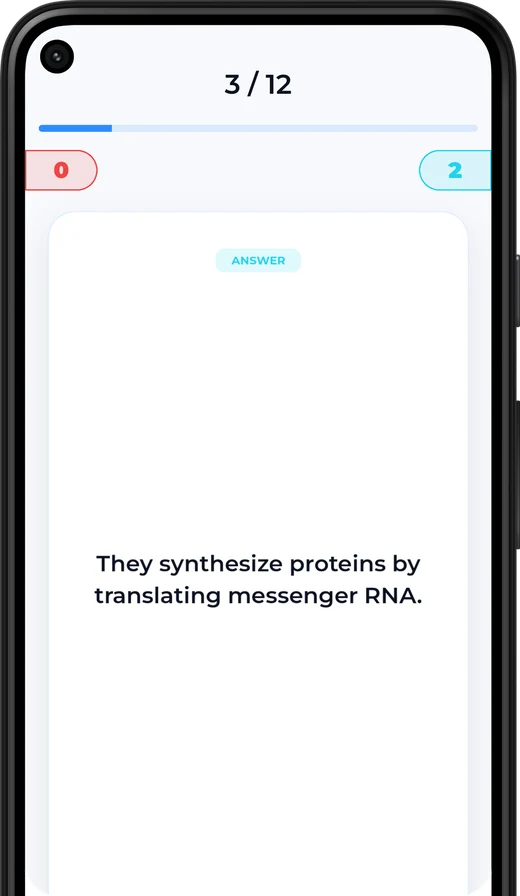
It is read once to build the preview: the topics, questions and flashcards you see. Nothing is added to an account unless you choose to save it. See the privacy policy for the full detail.
Which file types can I upload?
PDF, PowerPoint (PPTX), Word (DOCX) and plain text, plus photos of slides or handwritten notes (JPG, PNG, WEBP, HEIC). Files up to 20 MB work on this page.
Does it work in Arabic?
Yes. The whole product is bilingual with a proper right-to-left layout, and Kwezr builds study sets from Arabic lectures as well as English ones. Switch this page to Arabic from the top bar to see it.
Is it accurate? Can I check where an answer came from?
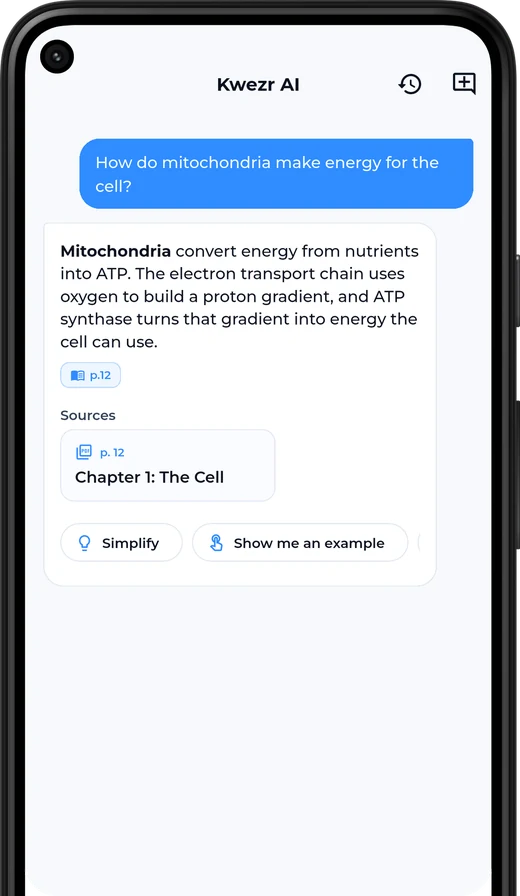
Questions and assistant answers name the page they came from, so you can open your file and verify. AI can still make mistakes, so treat your lecture as the source of truth for anything that ends up in an exam answer.
How long does a lecture take?
Most files are ready in about a minute. Long decks, scanned pages and photos take longer, because the text has to be read out of the images first.
Can I use photos of handwritten notes?
Yes. Photograph the slides or your own notes and Kwezr reads the text out of the image. Clear, well-lit photos give the best results.
Is there a web version?
Yes. Everything works in the browser at kwezr.app/web, and the iPhone and Android apps use the same account, so your courses are in both places.
How do I cancel Pro?
Pro is billed through the App Store or Google Play. Cancel from your store account settings at any time; you keep Pro until the end of the period you paid for.